Why My Clients' Websites Stalled and What I Learned

Discover key insights from my clients' website stagnation, exploring common pitfalls and actionable strategies to boost online performance and engagement.
Written by Logan
OptiLeads editorial guide · Human-first SEO
Logan writes from the messy middle: the experiments that flopped, the lessons that took too long to learn, and the practical fixes that finally held up.
What happened, summed up
My clients’ websites stalled because I failed to communicate clearly about expectations, goals, and the actual work involved. The fix wasn't as simple as sending a revised contract or providing a colorful project timeline. It took a few messy attempts to stumble upon the right method of engagement and accountability.
Then it hit me
One day, while staring at piles of unmet deadlines and confused email threads, I had a moment of sheer embarrassment. I realized I was so focused on design aesthetics that I entirely overlooked my clients' changing needs. This was a wake-up call that led me down a path of understanding how crucial clear communication and setup were to the success of my projects.
Illustrative Story Time
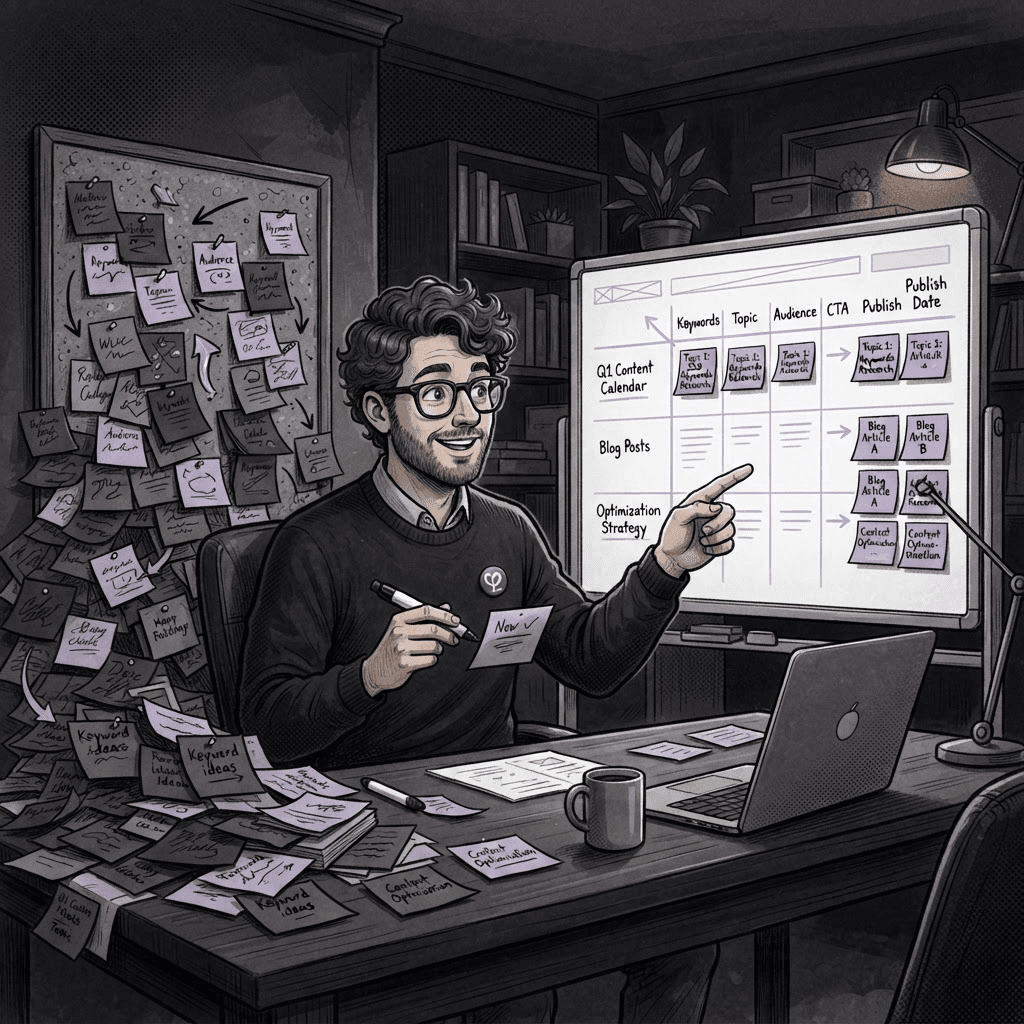
Several months ago, I was working with a delightful yet scatterbrained client who had a million ideas but no clear direction. I thought I was being clever. I rolled out a shiny new project management tool and sent over some very detailed emails—one, two, maybe three. I was convinced this would bridge all gaps. Little did I know, I just added more noise that left my client feeling overwhelmed.
Fast forward a few weeks, and we were tangled in a web of confusion. The stunning website I’d designed was now just an unfinished puzzle. The client had made a few half-hearted attempts to give me their content, but they were lost in a sea of my complicated instructions. Long story short, deadlines passed, tension ramped up, and the project stalled. Like a bad sitcom, I was watching everything unravel in real-time.
In my stubbornness to make it all techy and professional, I missed the fact that a good old-fashioned conversation was what my client really needed. They didn’t need a slick tool; they needed a simple, shared understanding of what was feasible and what wasn't. My failure wasn’t about lacking tools or talent; it was about missing the personal touch.
The Practical Fix
After the shock wore off, I regrouped. I went back to basics: I scheduled a phone call with this client, put the tools aside, and genuinely listened. In that chat, I didn’t just hear what they said; I listened to the hesitations, the excitement, and the needs behind their words. By the end of the conversation, we had a clearer vision, laid out tangible milestones, and agreed on regular check-ins to keep things sailing smoothly.
- Use Simple Language: Skip the jargon; explain things like you would to a friend.
- Establish Clear Goals: Help your clients articulate what they want. Ask probing questions.
- Regular Check-Ins: Schedule weekly or bi-weekly calls to ensure everyone stays aligned.
- Emphasize Accountability: Make it a team effort. Every milestone, every step—everyone should know what's expected.
Key Takeaway
Don't overcomplicate things. Whether it's a tool, an email, or a project plan, keep it simple and communicative. Your clients are people, not just targets to hit.
Frequently Asked Questions
What should I do if my client is still confused despite constant communication?
Revisit your initial conversation. Try to distill things even further. Use visuals and written summaries to lock in understanding.
How can I know what tool is best for my clients?
Ask them about their comfort levels with technology. If they barely use email, maybe ease up on recommending complex project management tools.
From this little fiasco, I learned that the essence of good design also lies in good communication. Approach every project like you’re building a relationship, not just a website. It’ll lead to happier clients and better work for everyone involved.

Tags