Top AI Tools Every Web Designer and Agency Owner Should Embrace

Discover essential AI tools that every web designer and agency owner should adopt to enhance creativity, efficiency, and client satisfaction in their projects.
Written by Logan
OptiLeads editorial guide · Human-first SEO
Logan writes from the messy middle: the experiments that flopped, the lessons that took too long to learn, and the practical fixes that finally held up.
Introduction to AI in Web Design
As the digital landscape continuously evolves, so does the arsenal of tools available to web designers and agency owners. Artificial Intelligence (AI) has emerged as a game-changer, offering capabilities that can streamline workflows, enhance creativity, and optimize user experiences. In this blog, we will explore the top AI tools that every web designer and agency owner should embrace to stay ahead in the competitive market.
1. AI-Powered Design Tools
One of the most significant areas where AI can make a profound impact is in design. AI-powered design tools can help you create stunning visuals with minimal effort while allowing for personalization and responsiveness.
Canva
Canva is a widely known graphic design tool that now incorporates AI elements, making it easier to bring your ideas to life. Its Magic Resize and AI-powered image suggestions can save designers tons of time.
- Tip: Use Canva's brand kit to maintain brand consistency across all your projects, from social media graphics to website banners.
Adobe Sensei
Adobe's AI engine, Sensei, integrates with various Adobe products to enhance creativity and improve user experiences. It automates mundane tasks, allowing you to focus on what truly matters: the creativity.
- Tip: Utilize the auto-tagging feature in Adobe Lightroom powered by Sensei to save time during photo editing.
2. AI for UX/UI Enhancements
Improving user experience (UX) and user interface (UI) is paramount in web design. AI can provide valuable insights and optimize design elements based on user behavior.
Hotjar
Hotjar is an analytics and feedback tool that helps you understand how users interact with your site. Its heatmaps and behavior analytics can be useful for making data-driven design decisions.
- Tip: Implement Hotjar's feedback polls on landing pages to gauge user sentiment and adapt your design accordingly.
Maze
Maze allows you to conduct usability tests quickly and effectively. With AI, it analyzes user interactions to generate actionable insights, helping you refine your designs effectively.
- Tip: After launching a beta version of your site, use Maze to collect user feedback and make swift adjustments to improve the user journey.
3. AI-Driven Content Generation
Content is king in the world of web design, and AI tools can accelerate the process of generating high-quality content that ranks well and engages users.
Copy.ai
Copy.ai uses advanced language algorithms to generate copy that resonates with your target audience. This tool can assist in writing everything from blog posts to compelling call-to-action buttons.
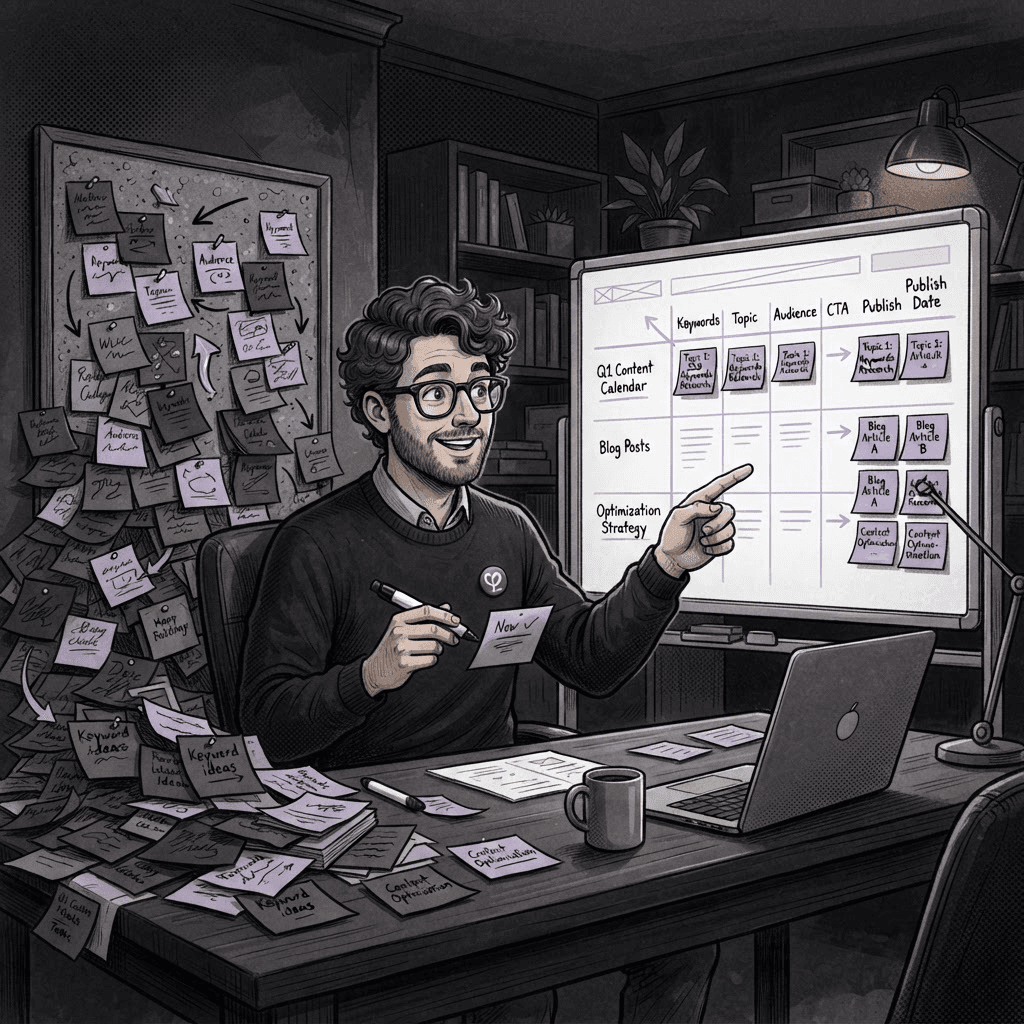
- Tip: Use Copy.ai to experiment with various tones and styles for your copy, ensuring that you find the most effective approach for your audience.
Grammarly
Grammarly is more than a spell-checker; its AI-driven platform offers nuanced grammar suggestions, style recommendations, and tone detection, ensuring your content is error-free and engaging.
- Tip: Utilize Grammarly’s tone adjustment features to create content that reflects your brand’s voice, enhancing connectiveness with users.
4. Project Management and Automation Tools
Web designers often juggle multiple projects simultaneously. AI project management tools can streamline operations, ensuring deadlines are met while maximizing productivity.
Asana
Asana integrates AI capabilities to help teams track progress and manage projects efficiently. Its unique features allow users to create automated workflows and set project milestones, reducing bottlenecks.
- Tip: Use Asana's templates to standardize your project workflow. This will lead to faster project setup and less time spent on repetitive tasks.
OptiLeads
As an SEO automation tool, OptiLeads helps web designers and agency owners enhance visibility and effectiveness in their marketing efforts. Identifying SEO opportunities gets easier with AI-driven analytics.
- Tip: Leverage OptiLeads to track key performance indicators (KPIs), enabling you to adjust your design strategies based on measurable results.
5. AI for SEO Optimization
Search Engine Optimization (SEO) is crucial for any website. AI tools that focus on SEO can help web designers create sites that not only look good but also perform well in search engines.
SEMrush
SEMrush’s AI-driven insights can help you identify SEO gaps in your web design project. It offers keyword suggestions, site audits, and competitive analysis, allowing for smarter design choices.
- Tip: Use SEMrush’s content optimization tool to ensure that your design does not hinder SEO performance by checking for readability and keyword placement.
Surfer SEO
Surfer SEO leverages AI to analyze current top-ranking pages and suggests adjustments to your content and layout. This ensures your web design meets competitive standards while enhancing user satisfaction.
- Tip: Before finalizing your web design, use Surfer SEO to evaluate how your approaches match up against competitors in the same niche.
Conclusion
Incorporating AI tools into your web design process is no longer optional; it’s a necessity for staying competitive. From streamlined design processes to enhanced user experiences and optimized SEO strategies, AI tools can significantly enhance productivity and creativity. Embrace these technologies to ensure that your designs not only look great but also perform exceptionally well.
At OptiLeads, we believe that the combination of creativity and technology paves the way for groundbreaking digital experiences. By integrating AI into your practice, you'll not only attract more clients but also deliver results that exceed expectations.

Tags