How I Transformed My Design Process with AI—And You Can Too

Discover how AI revolutionized my design process and learn practical tips to enhance your workflow. Unleash creativity with these innovative tools!
Written by Logan
OptiLeads editorial guide · Human-first SEO
Logan writes from the messy middle: the experiments that flopped, the lessons that took too long to learn, and the practical fixes that finally held up.
What happened, summed up
In my early days of trying to integrate AI into my design process, I struggled with unclear expectations and overwhelming choices. I thought downloading the latest tool would magically solve everything, but it didn't. The real fix wasn’t about the tool at all; it was about rethinking how I approached my design workflow.
Then it hit me
One day, mid-crisis, I found myself knee-deep in a design project. My client’s feedback was like a cryptic crossword, and my attempts to interpret it were like throwing spaghetti on the wall to see what stuck. As my browser tabs accumulated like laundry, I realized I had one too many shiny AI tools languishing in my bookmarks. I needed to get real about what I was doing—and why.
Illustrative Story: The Wrong Fix
A while back, I thought I was being clever by implementing an AI tool that promised to generate entire website layouts based on a few keywords. I mean, who wouldn’t want to kick back while a bot does the heavy lifting? So, I fired it up, pasted in my client's vague brief, and hit “generate.” This was going to be a game-changer! Spoiler alert: it wasn't.
What came back looked like a monstrous collaboration between Picasso and a toddler. I had missed a crucial detail: understanding my client’s vision before letting a robot cook up a design. I invested hours tweaking this algorithmic mess instead of just having a straightforward conversation with my client. It was one of those “what-was-I-thinking” moments that still haunt me.
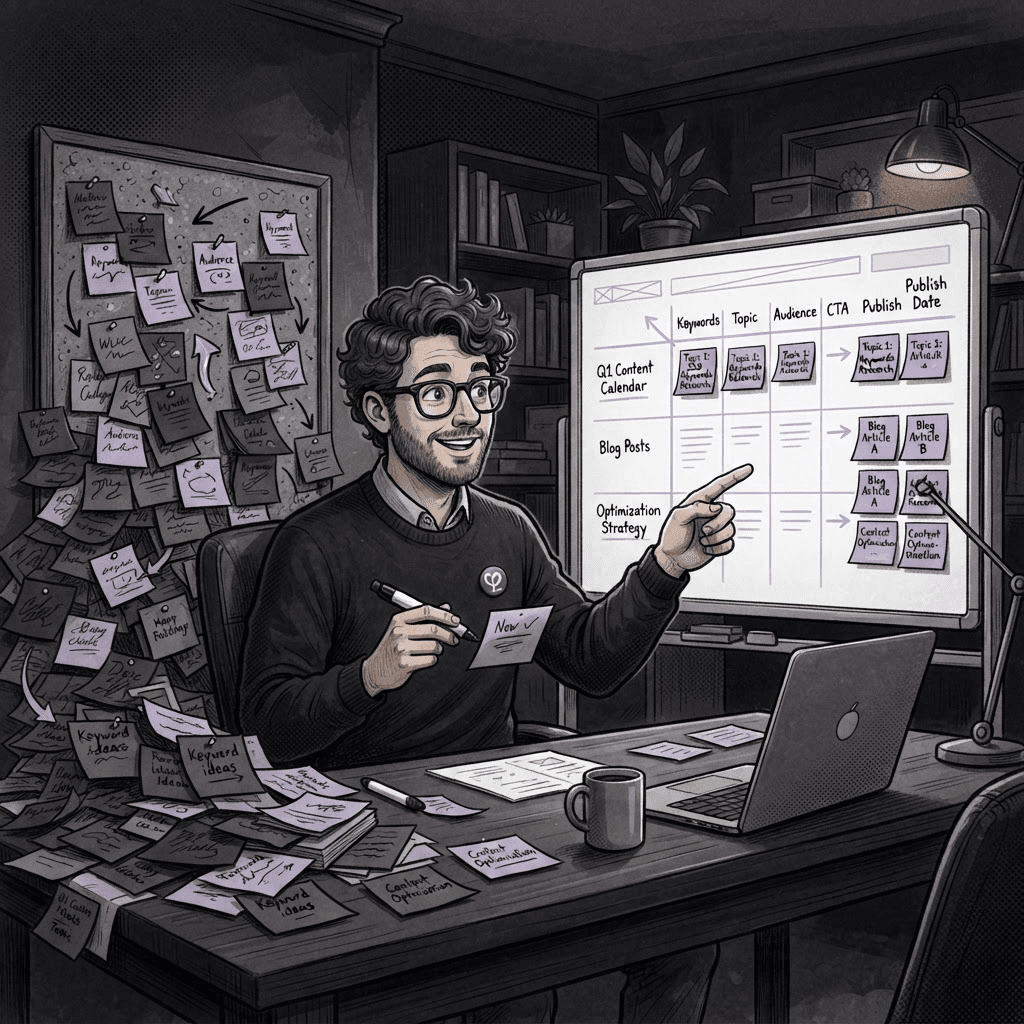
The lesson? AI is a tool, not a replacement for genuine dialogue. I learned that I needed to focus on clear communication and then use AI as an assistant, not the main act.
Real Transformation Steps
- Clarify Objectives: Before launching into any project, sit down with your client. Ask questions, gather insights, and really listen. What do they want? What are their goals?
- Choose AI Wisely: Not every tool is right for every job. Decide what you need—layout suggestions, color palette generation, or content creation—and pick tools that align with those needs.
- Set Boundaries: Use AI for repetitive tasks like resizing images or generating basic code. Save your creative energy for parts that need that human touch.
- Iterate and Collaborate: Design should be a team effort. Share drafts with your client often. Their input will help you refine what the AI generates.
Key Takeaway
AI can be a valuable ally in web design, but it’s not a magic bullet. The real transformation comes from marrying technology with meaningful communication.
FAQ
- What AI tools do you recommend for web design?
- It depends on your needs. Tools like Figma for interface design or Adobe Sensei for image editing can be great. Explore options that suit your workflow.
- How can I ensure AI complements my creative process?
- By establishing clear objectives first and then using AI to enhance your efforts, not replace them. Make AI part of your toolbox, not the toolbox itself.

Tags