How AI Helped Me Revamp My Design Process Overnight

Discover how AI transformed my design process in just one night, boosting creativity and efficiency. Unlock the potential of technology in design!
Written by Logan
OptiLeads editorial guide · Human-first SEO
Logan writes from the messy middle: the experiments that flopped, the lessons that took too long to learn, and the practical fixes that finally held up.
What happened, summed up
My design process was a tangled mess: long hours, client feedback loops that felt endless, and a spaghetti of revisions I could barely keep up with. The fix wasn’t just hiring a new team or reading yet another design book; it was something unexpected lurking in the realm of AI.
Then it hit me
One day, after yet another round of revisions that left me questioning my sanity, I had an embarrassing moment: I was Googling "how to design faster." I found myself watching a video by someone half my age, brimming with enthusiasm about AI tools. I rolled my eyes, told myself I was doing just fine, and started writing yet another email to a frustrated client about why their changes would take another week. But something nagged at my brain—a tiny flicker of curiosity began to burn.
Illustrative Story: A Stubborn Misstep
So, instead of embracing this new tech, I doubled down on what I thought was a solid plan. I decided to create a massive checklist for every project, assuming that if I covered every detail, I’d never miss anything again. Spoiler alert: it didn’t work. As I compiled my epic checklist, I felt like I was on the brink of a breakthrough. It was hefty, and I was convinced it would streamline my communication with clients and eliminate all possible errors. Sounds great, right?
Wrong. What I missed was that my checklist was more confusing than clarity-inducing. When I sent it to clients, their eyes glazed over faster than I could say “revision.” They were overwhelmed, and I found myself buried under a mountain of follow-up questions. In my eagerness, I forgot a key detail: clients don’t read the fine print. They care about the big picture.
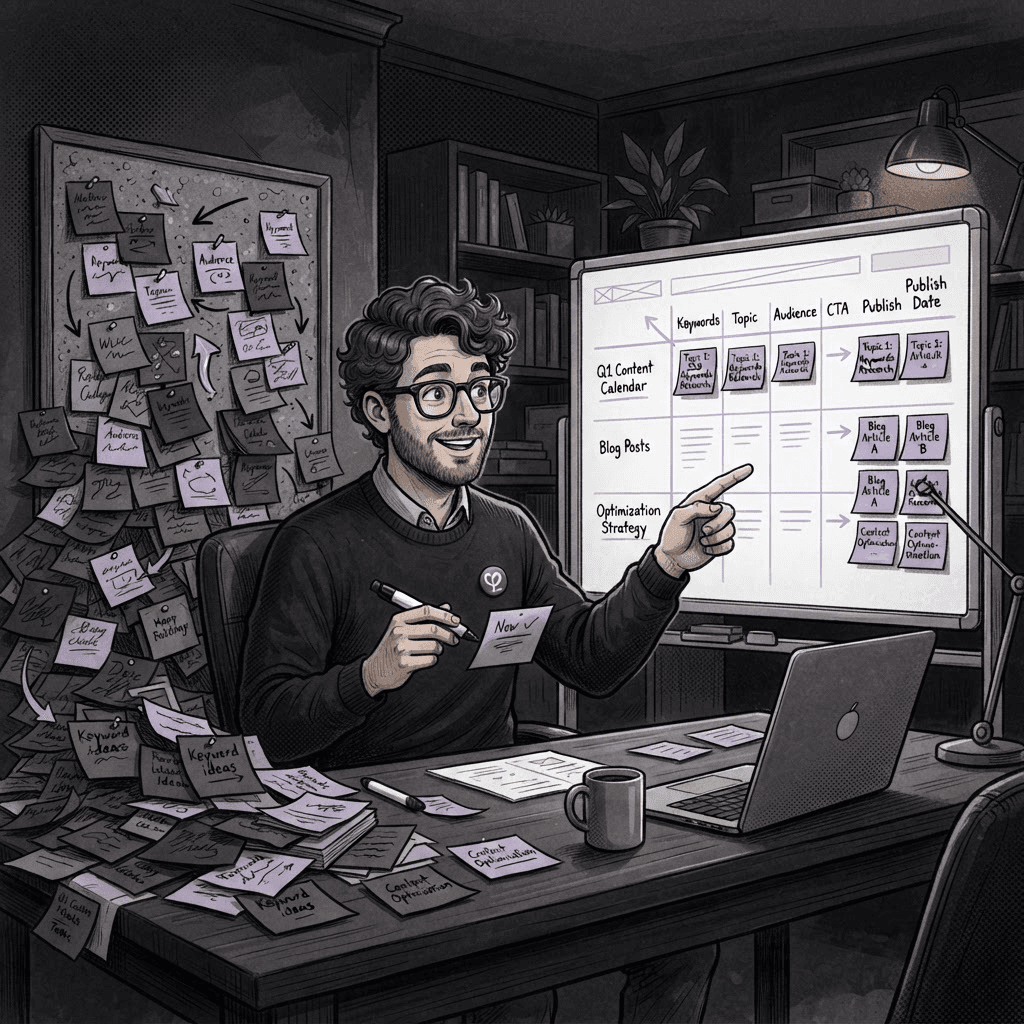
The lesson here? Sometimes you’re so caught up in complexity that you lose sight of simplicity. Instead of a long checklist, what if I streamlined my communication, letting AI help with the heavy lifting? The thought simmered in the back of my mind.
Enter AI: The Unexpected Ally
Eventually, I found myself dipped in the world of AI tools tailored for design. One evening, I took the plunge. I started using an AI design assistant to quickly generate layout options and to curate feedback through simple prompts. The magic started to unfold. Instead of drowning in revisions, I used AI-generated prototypes to show clients something visually compelling without the usual hassle. They loved it!
Practical Steps to Revamp Your Process
- Identify Bottlenecks: Take stock of where your design process slows down. Is it client feedback? Iterations? Understanding where you get stuck helps.
- Explore AI Tools: Research AI tools like design assistants or feedback platforms. Test them out on smaller projects first.
- Communicate Simply: Ditch the intricate checklists for concise prompts. Let the AI take care of the heavy lifting while you focus on creative direction.
- Iterate Continuously: After trying out AI tools, gather feedback from clients. What worked? What didn’t? Keep refining your approach.
Key Takeaway
Sometimes, less is more. AI can take the weight off your shoulders while you focus on what truly matters: the creative spark and client relationships.
FAQ
- What AI tools do you recommend for web design? Start with design assistants and feedback generation tools that fit your specific needs.
- How do I get clients to accept AI-generated designs? Present them as options alongside your ideas—let them see how AI can enhance your creativity.
- Is learning AI difficult? It varies by tool, but many have user-friendly interfaces that cater to non-technical folks.
By embracing AI, my design process became so much smoother—the kind of smoothness I used to think required endless late nights fueled by coffee. Turns out, the future of design is here, and it doesn’t come from reinventing the wheel. Just remember to keep it simple and let the tech do some of the heavy lifting. Who knew AI could be my not-so-secret weapon?

Tags